Onboarding Operations
Onboarding covers the handover from recruitment to employment - converting a successful candidate into an employee record and giving them access to the system.
- Onboarding Settings - configure the documents and questions new starters complete
- Recruitment - the candidate pipeline up to the point of hire
- Employee Management - managing employees once they're set up
Pass Interview / Hire
When a candidate is hired, you complete their employment details to create their employee record.
Information captured at this stage includes their salary, employment type, start date, department, and position.
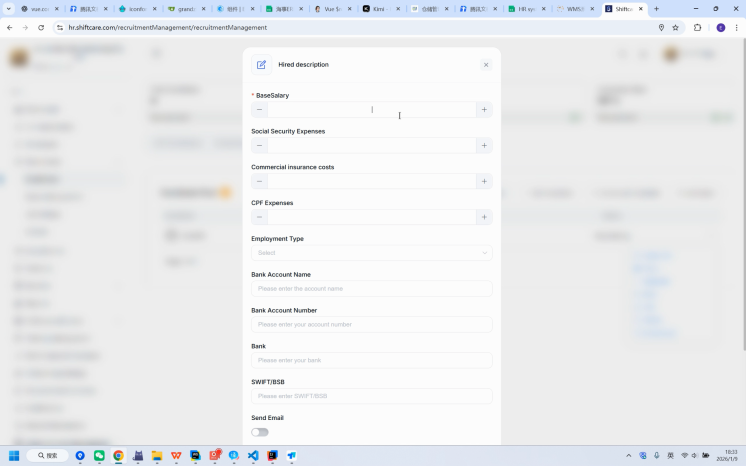
For the full path from candidate to employee, see Converting a Candidate to an Employee in Recruitment.
Invite Employee
Once the employment details are set, invite the new employee so they can sign in.
- Generate the invitation for the new employee.
- Set their role, which determines what they can access.
- Send the invitation - the employee receives an email at their registered address.
- The employee follows the link to set up their account and sign in.
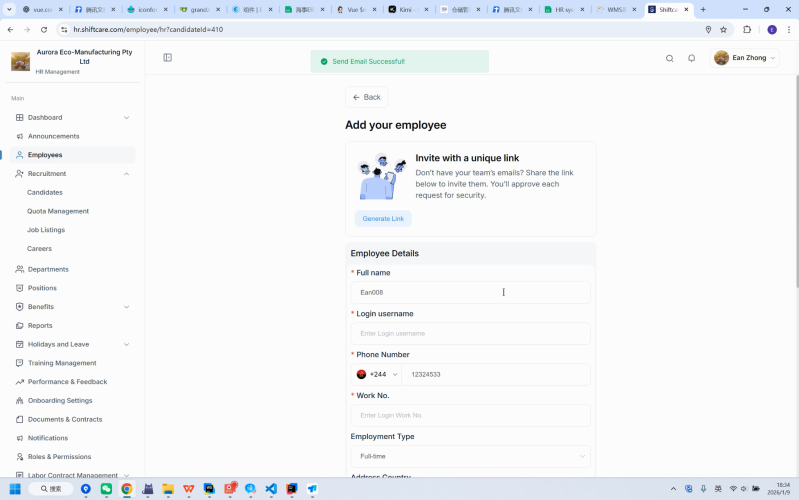
You can also send a registration link from Employees using Copy Link, and review what the employee submits under Link Requests. See Employee Management.
What happens next
Once the employee has access, they work through the onboarding checklist you've configured - signing documents, uploading files, and answering any additional questions.
Set that checklist up in Onboarding Settings. Employees complete it from their profile, as described in Onboarding.