Email Notifications
ShiftCareHR sends automated email notifications to employees and administrators at key points throughout the HR lifecycle. These notifications keep everyone informed in real time — from the moment a candidate applies, through onboarding, day-to-day operations, and offboarding.
Email notifications are system-generated and triggered automatically when specific actions occur. No manual setup is required — once the corresponding feature is used (e.g., approving leave, publishing a job listing, starting offboarding), the relevant email is sent to the appropriate recipient.
All notification emails are sent to the employee's registered email address. A copy is retained in the system for audit and record-keeping purposes.
Onboarding
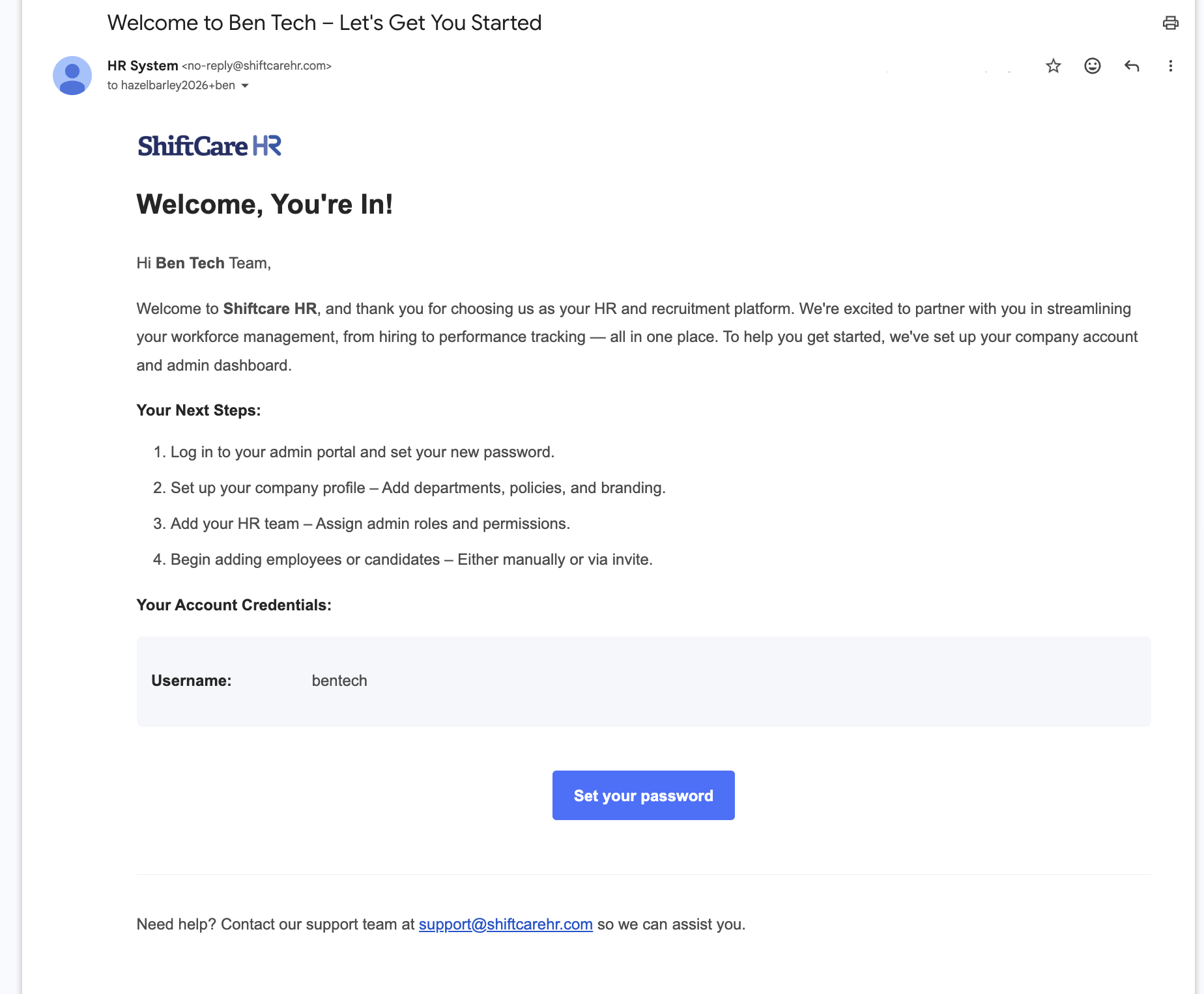
Company Onboarding
Sent to a new employee when their account is created and onboarding begins. This email welcomes them to the organization and provides initial login or setup instructions.
Recruitment
These notifications keep candidates informed at every stage of the hiring pipeline. Each email is triggered automatically when HR moves a candidate to the next stage.
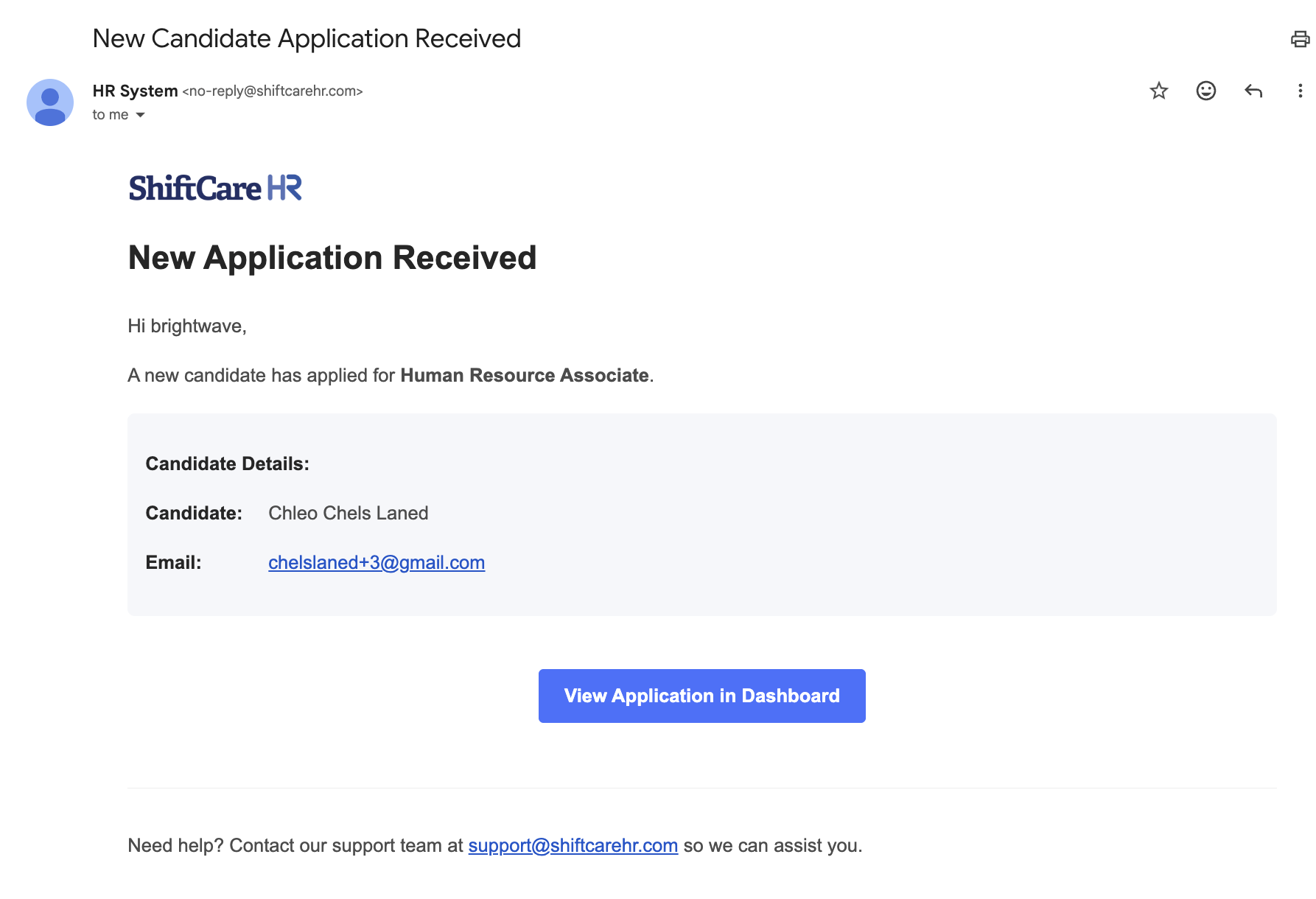
Application Received
Sent to a candidate immediately after they submit an application through the Careers page or are manually added by HR. This confirms their application was received and is under review.
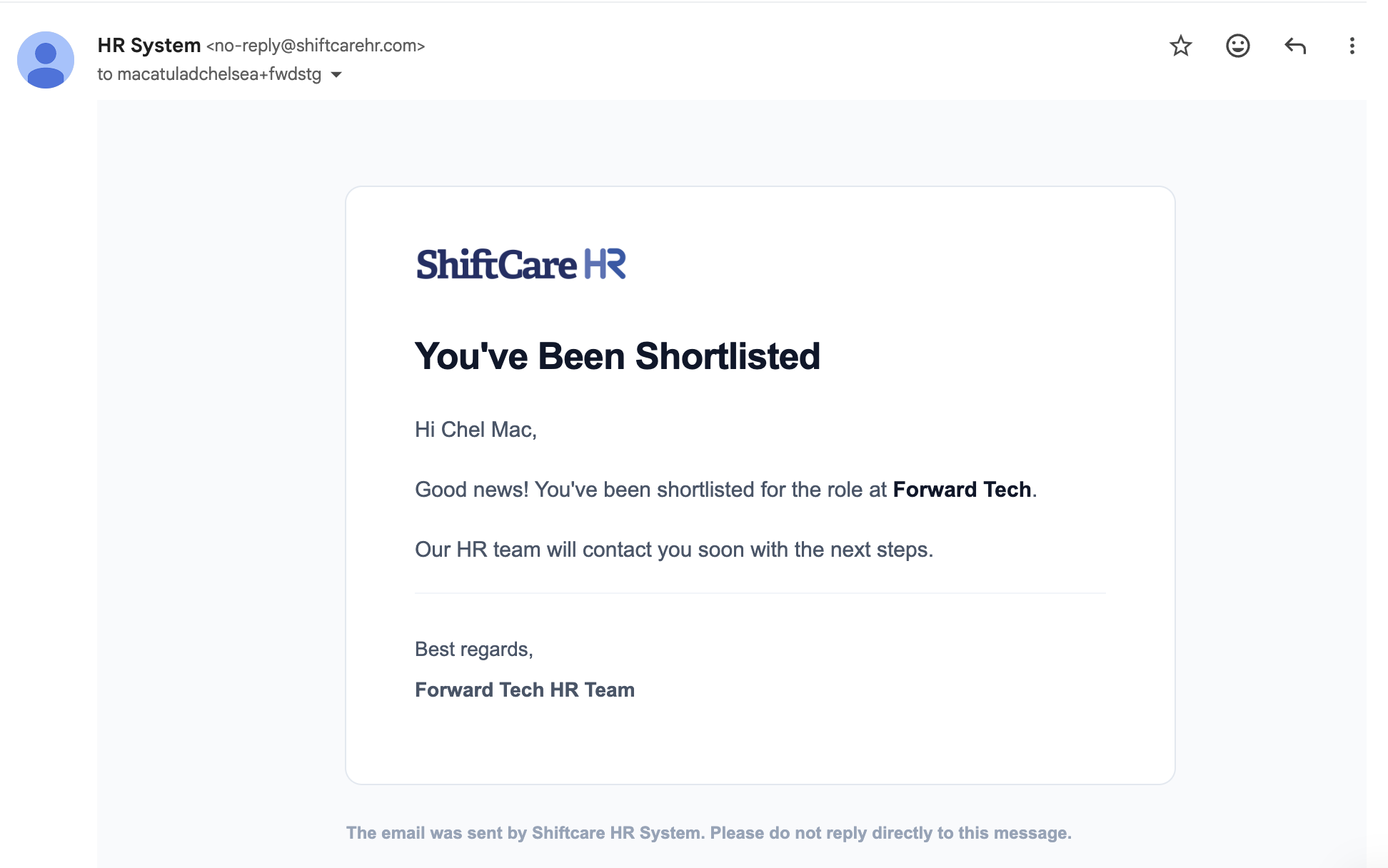
Shortlisted
Sent when a candidate is moved to the Shortlisted stage, notifying them that they have progressed past initial screening.
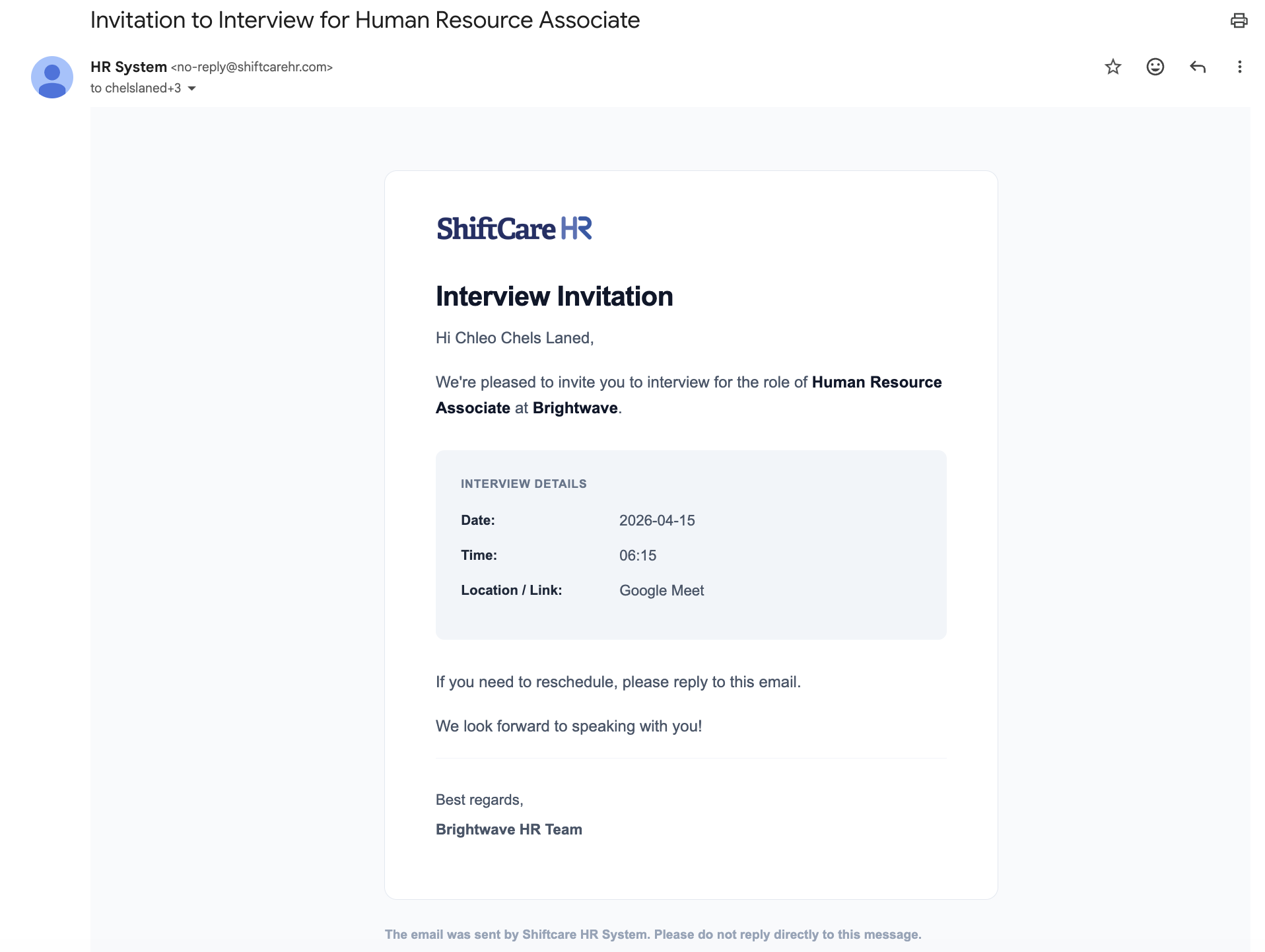
Interview
Sent when an interview is scheduled for the candidate. The email includes the interview date, time, format, and any preparation details. Candidates can reply directly to this email to reschedule - replies go to the HR staff member who scheduled the interview, or the company's contact email if that HR user has none on file.
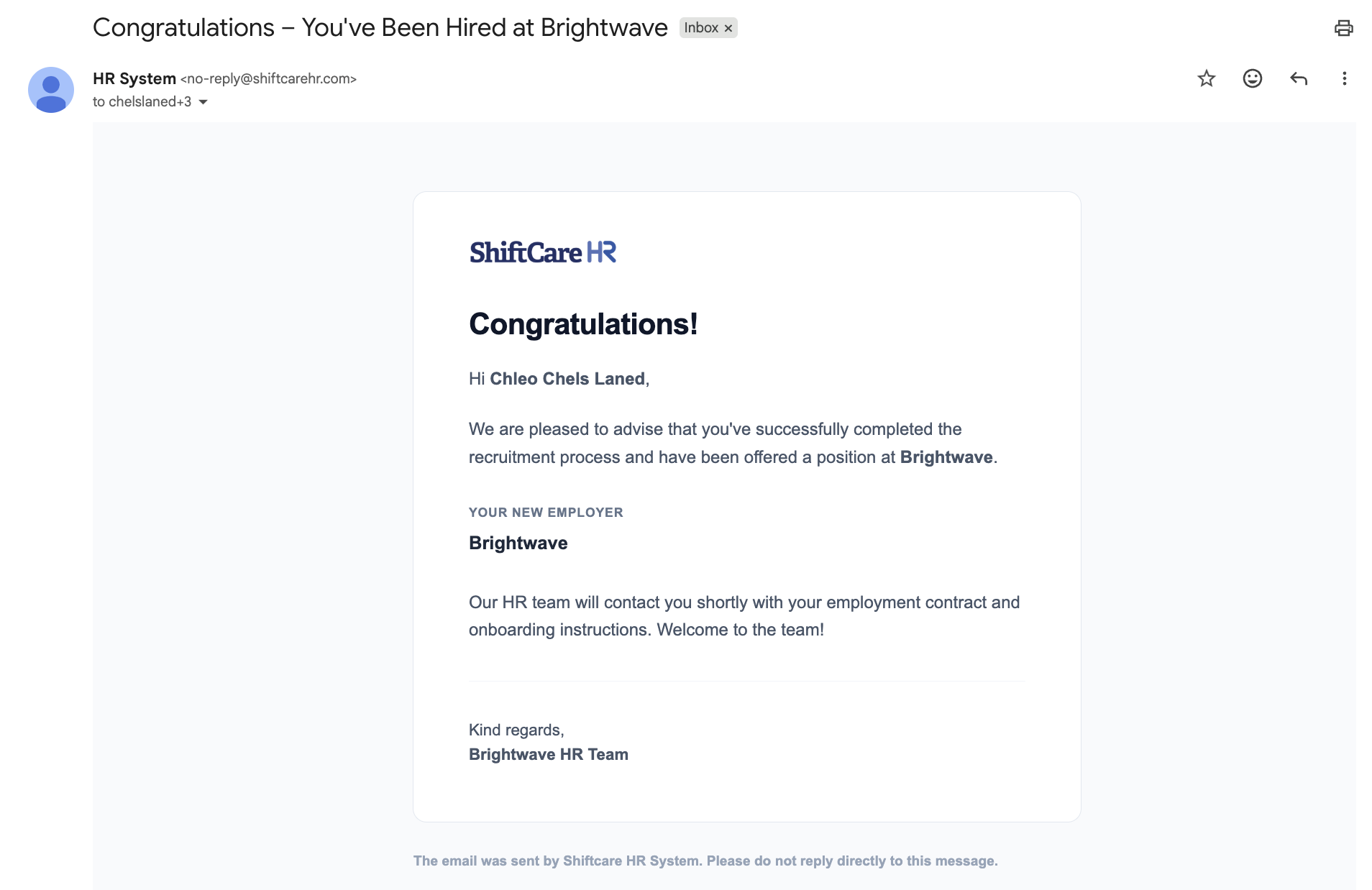
You're Hired
Sent to the candidate when a hiring decision is made in their favor. This email communicates the offer and next steps.
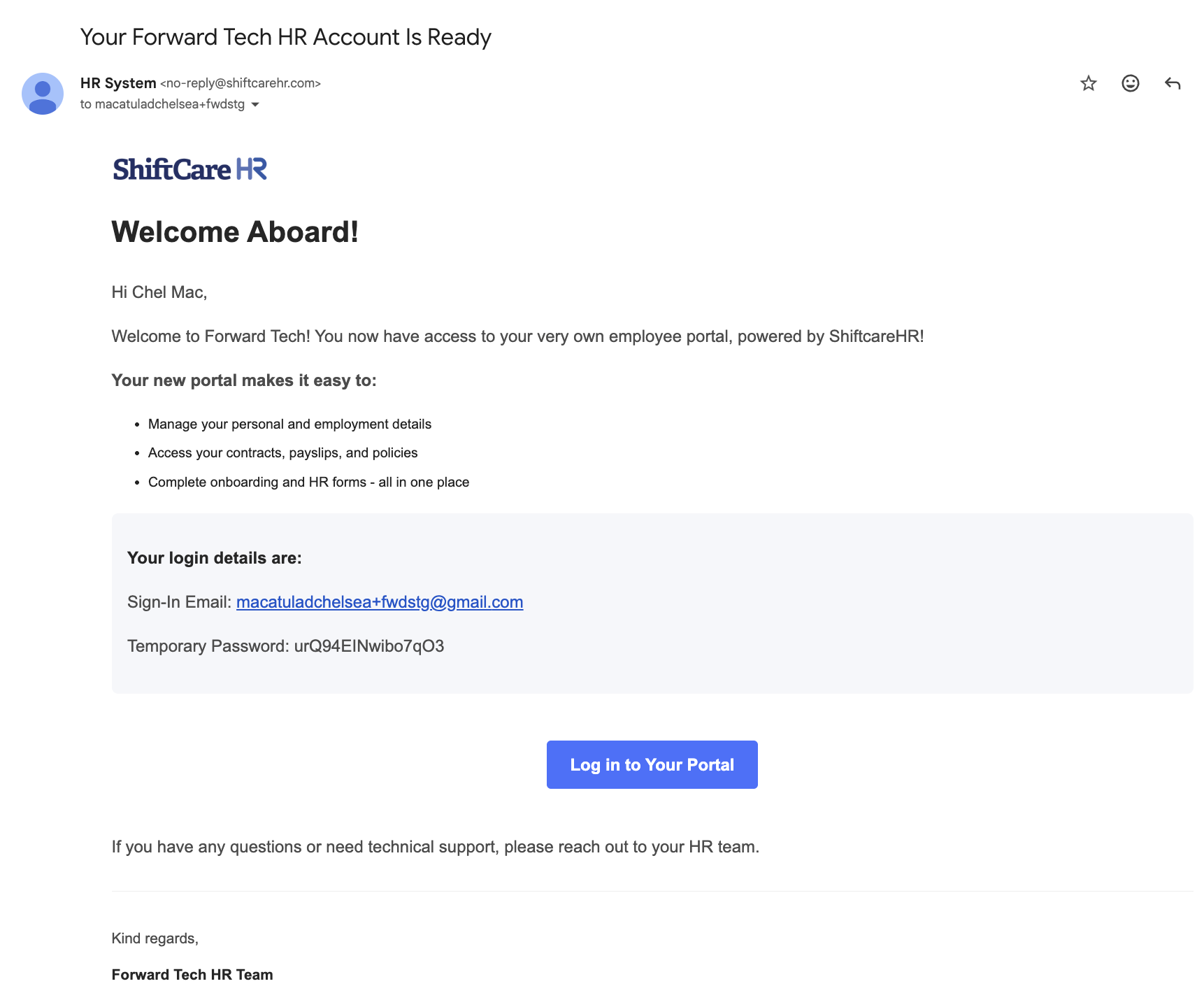
Onboard
Sent to the newly hired employee to kick off the onboarding process, including instructions for completing required documentation and accessing the system.
Leave Requests
These notifications keep both employees and approvers informed about the status of leave requests.
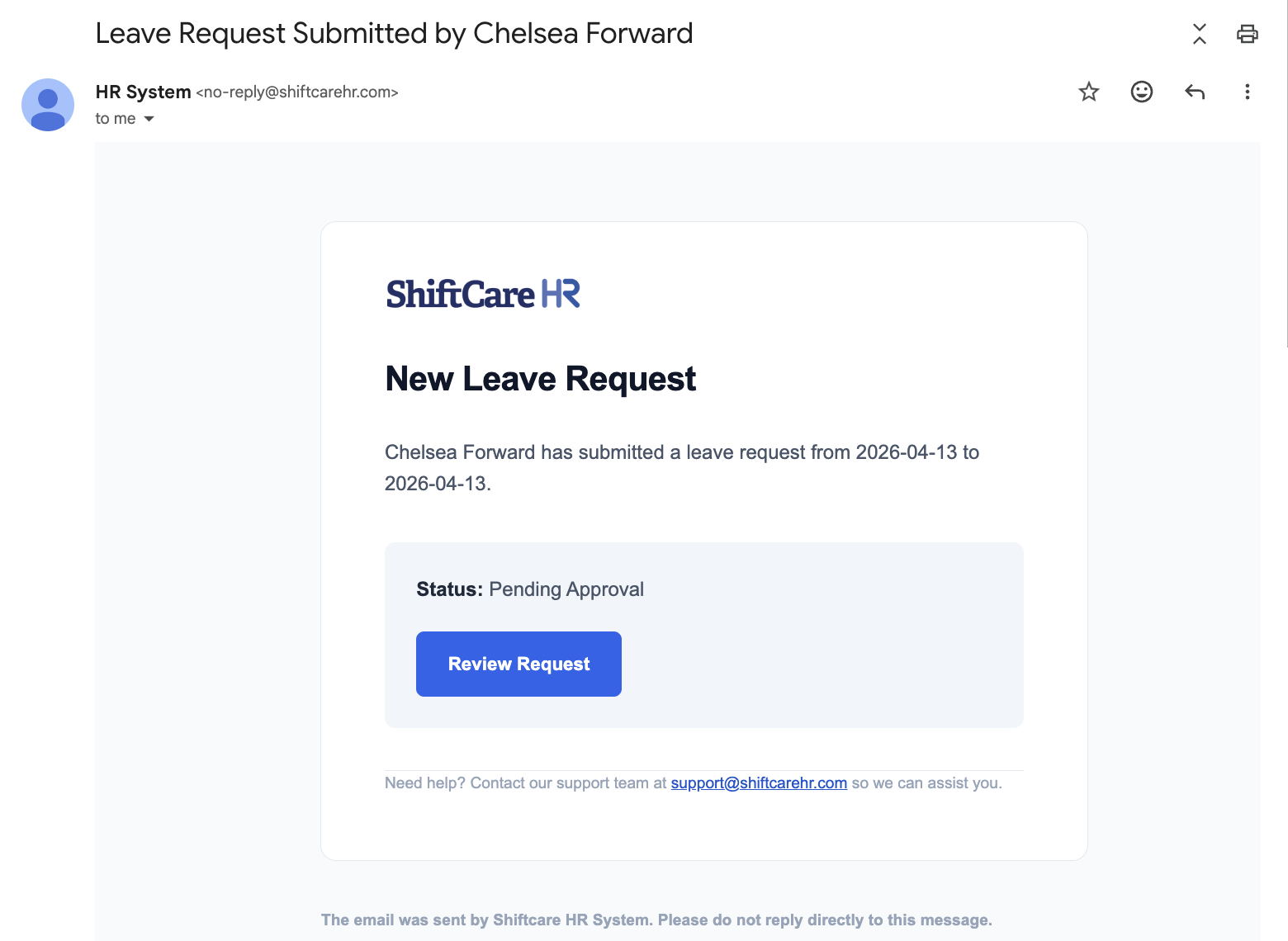
Leave Request Submitted
Sent to the designated approver (manager or HR) when an employee submits a new leave request. The email includes the leave type, dates, and duration.
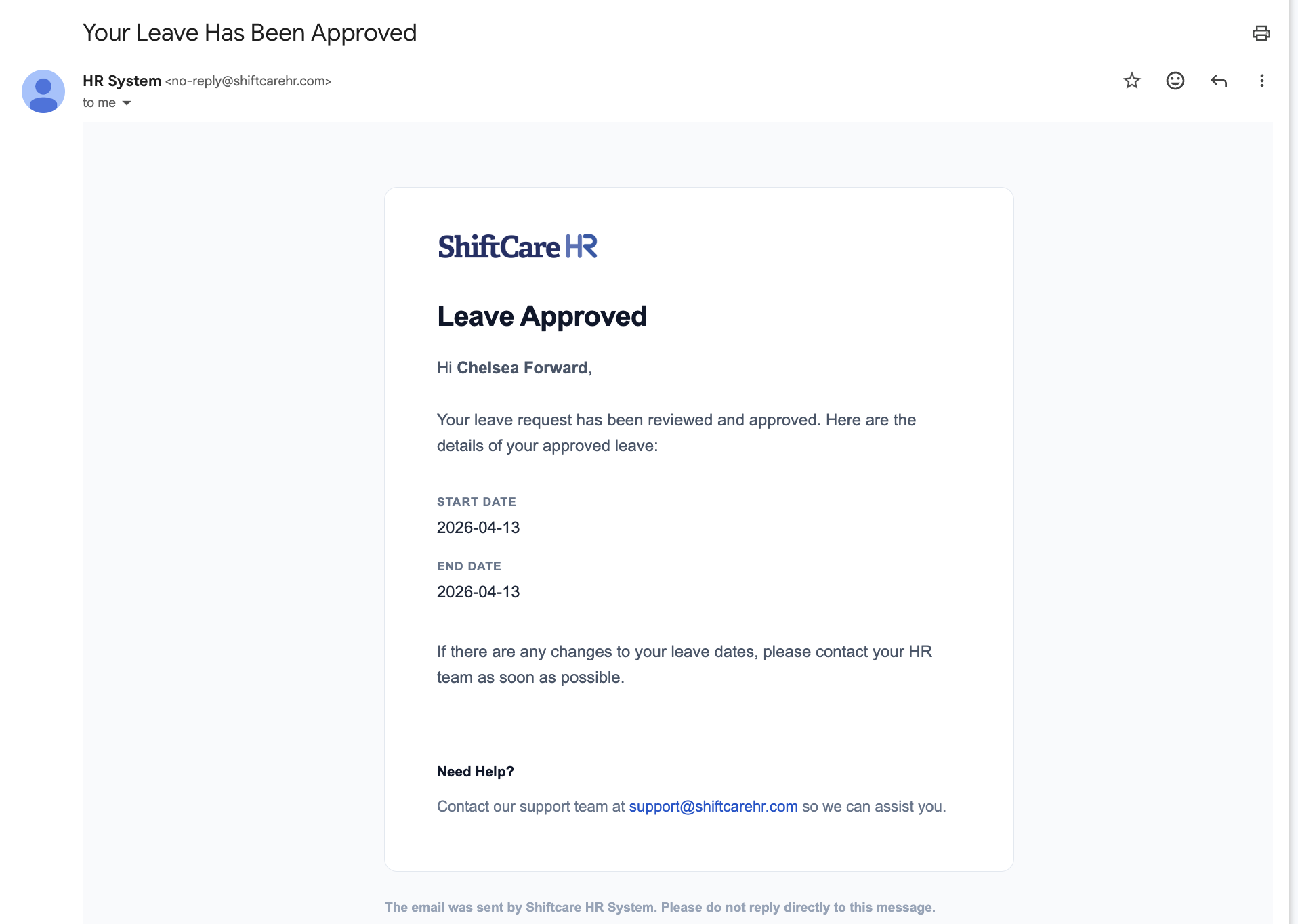
Leave Request Approved
Sent to the employee when their leave request has been approved by HR or their manager.
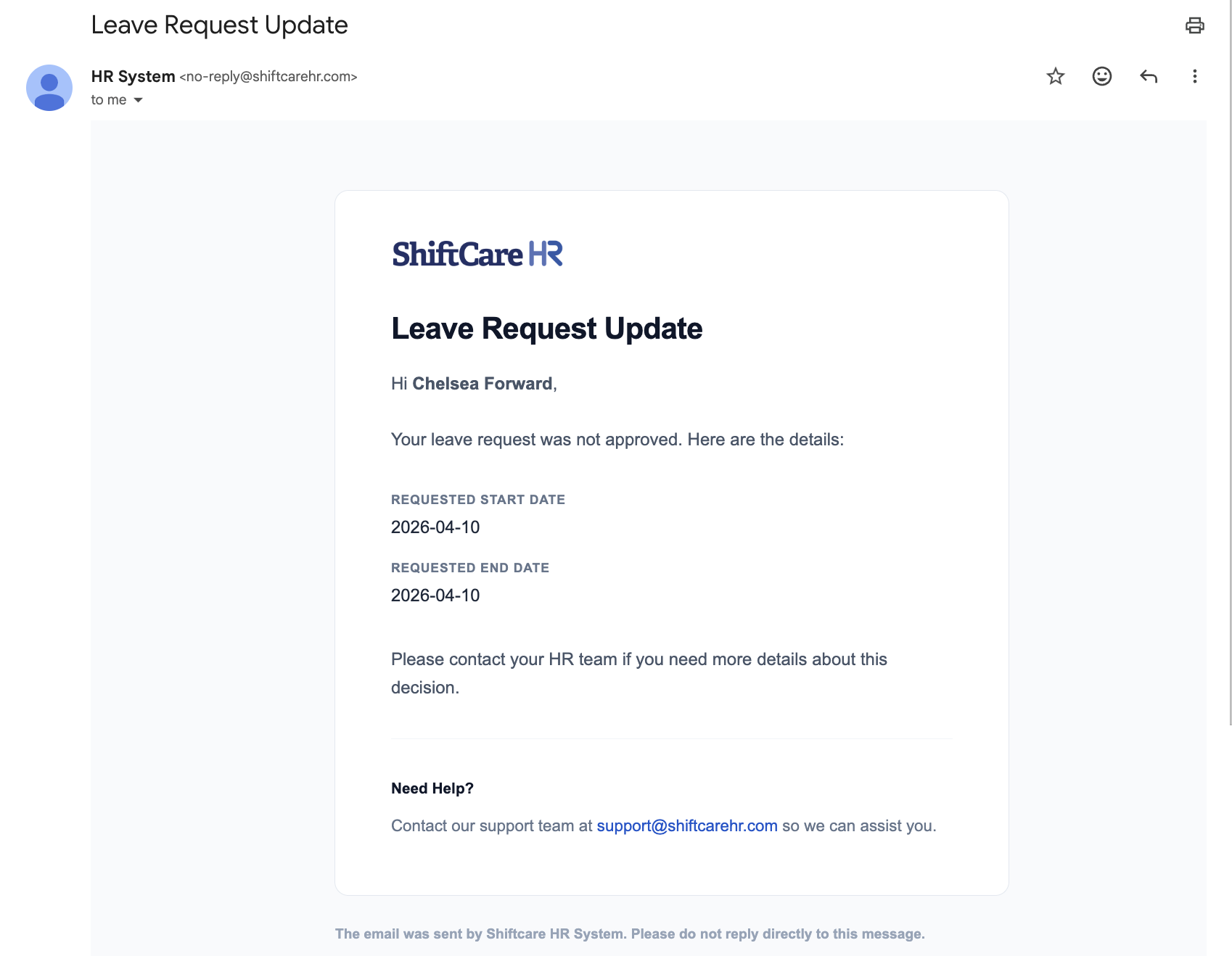
Leave Request Rejected
Sent to the employee when their leave request has been declined. The email may include the reason for rejection.
Announcements
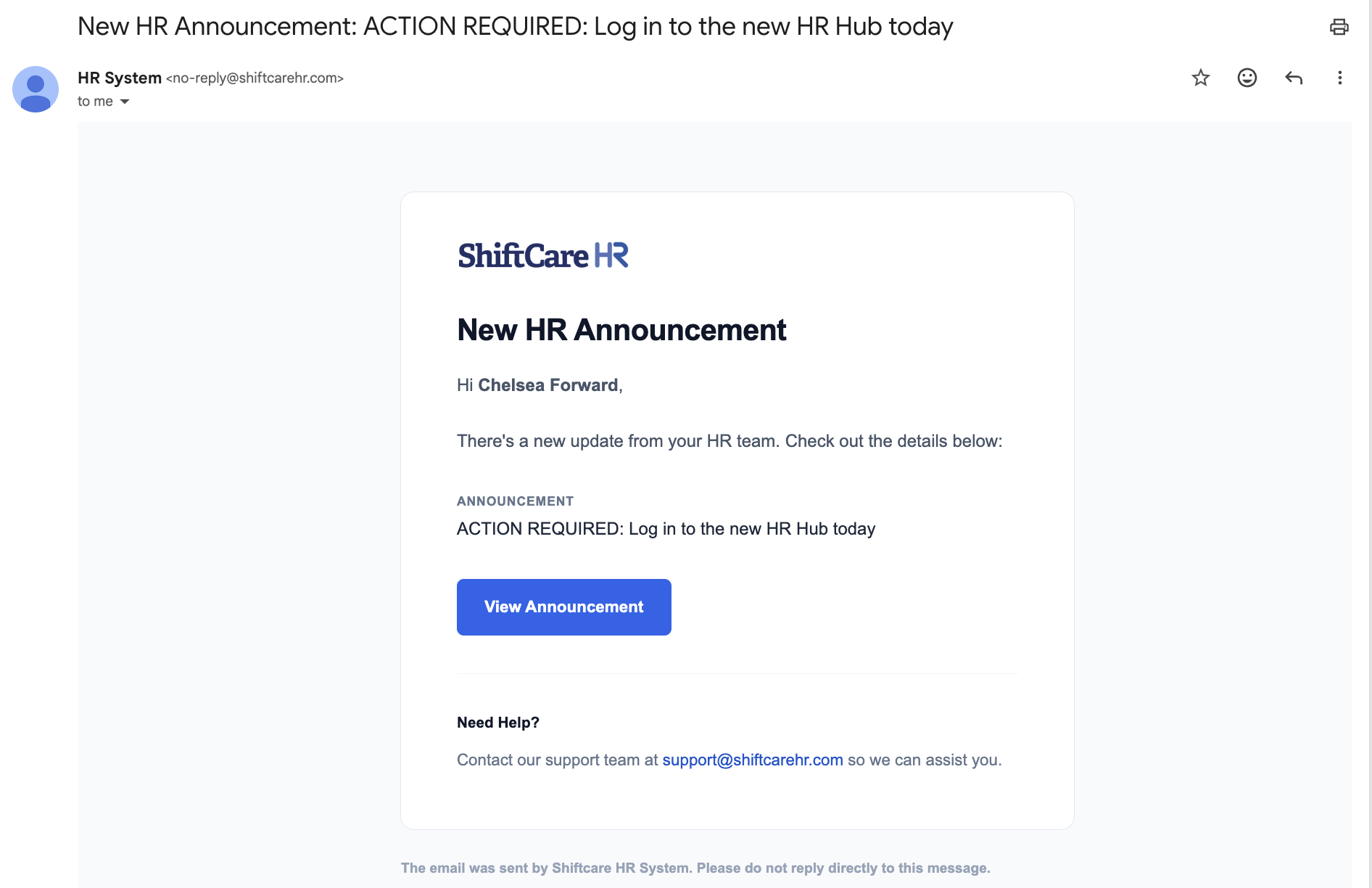
Announcement Notice
Sent to employees when a new company-wide announcement is published by HR. This ensures important communications reach employees even if they are not logged into the system.
Goals and Performance
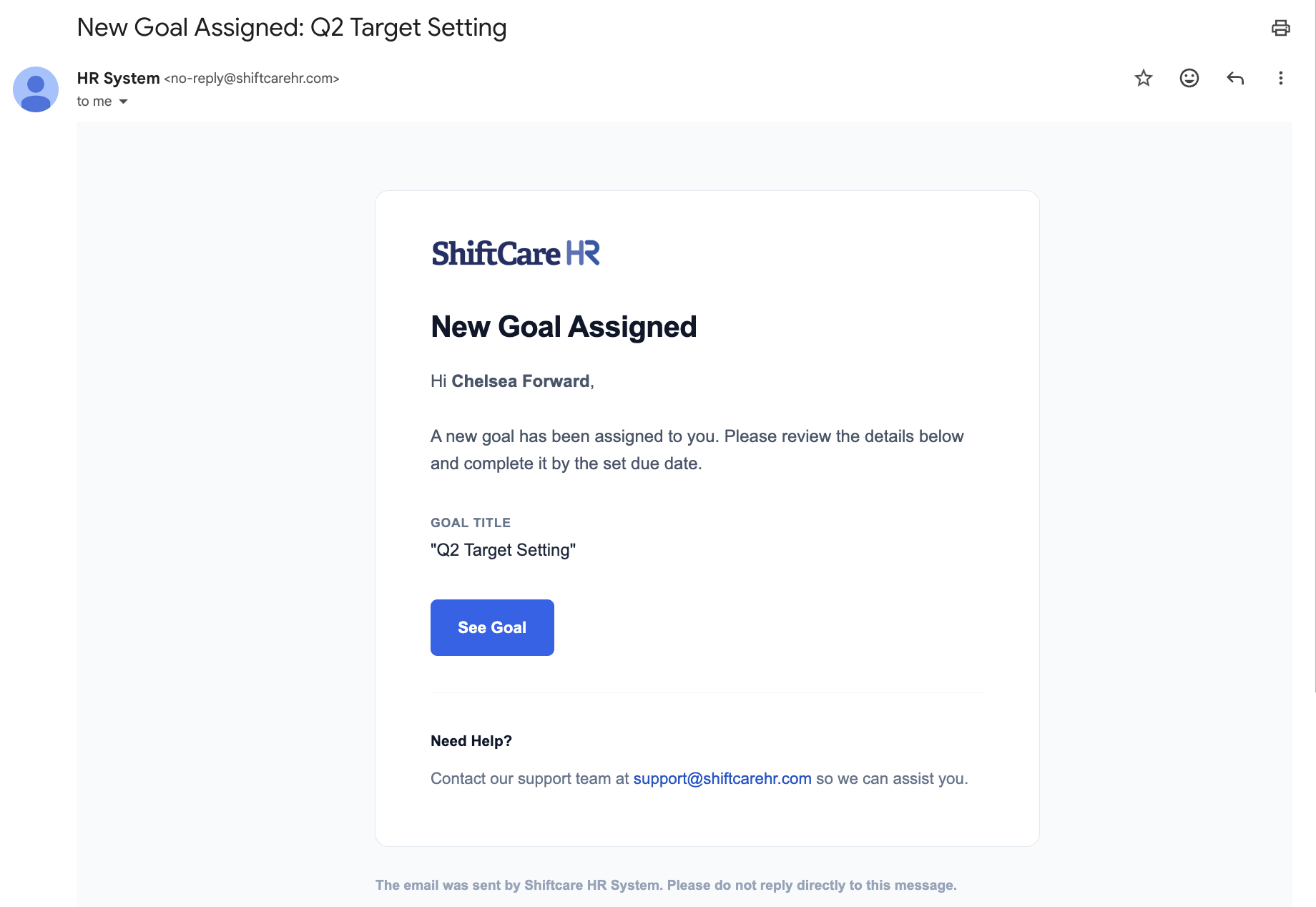
Add Goal
Sent to an employee when a new performance goal or target is assigned to them by their manager or HR.
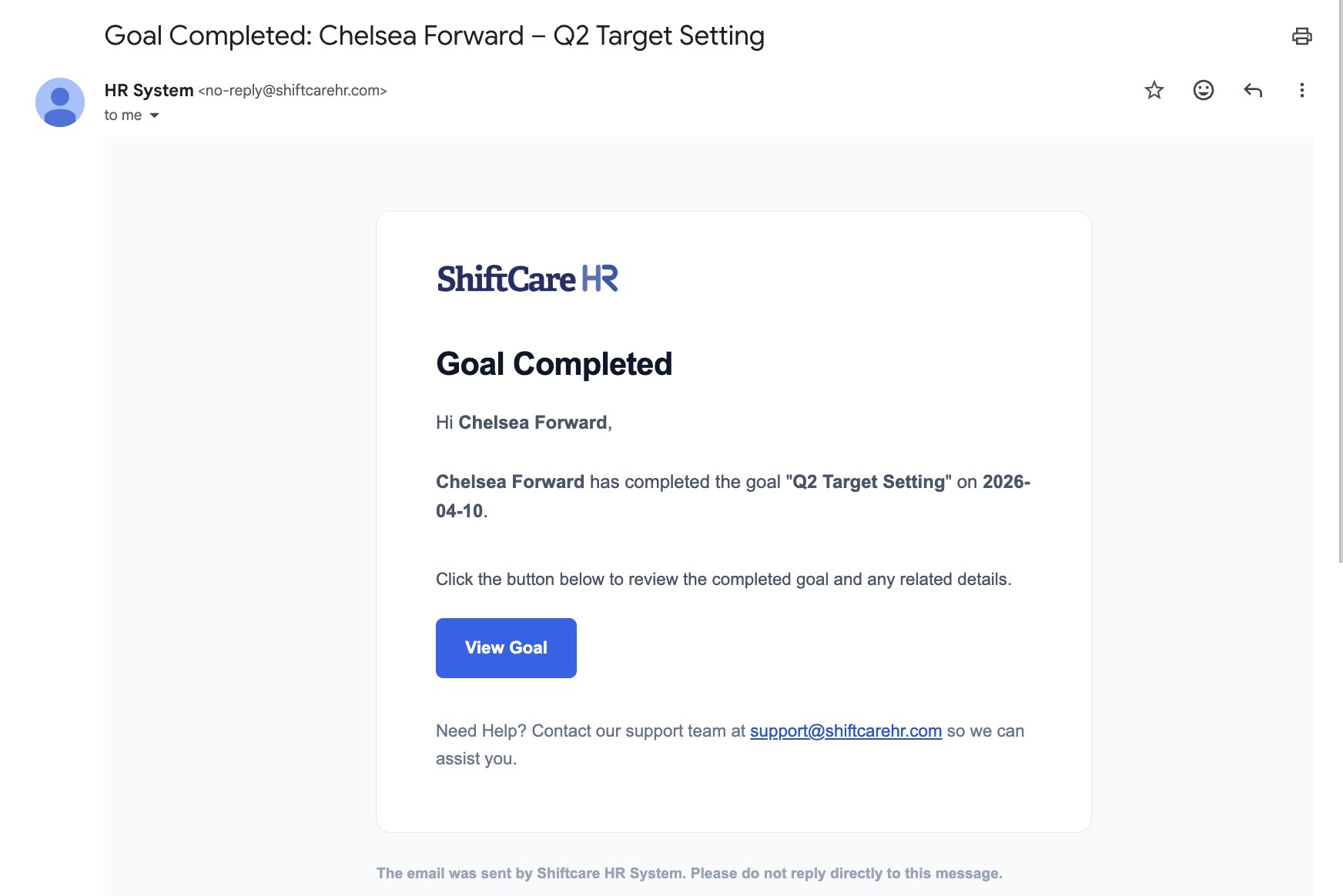
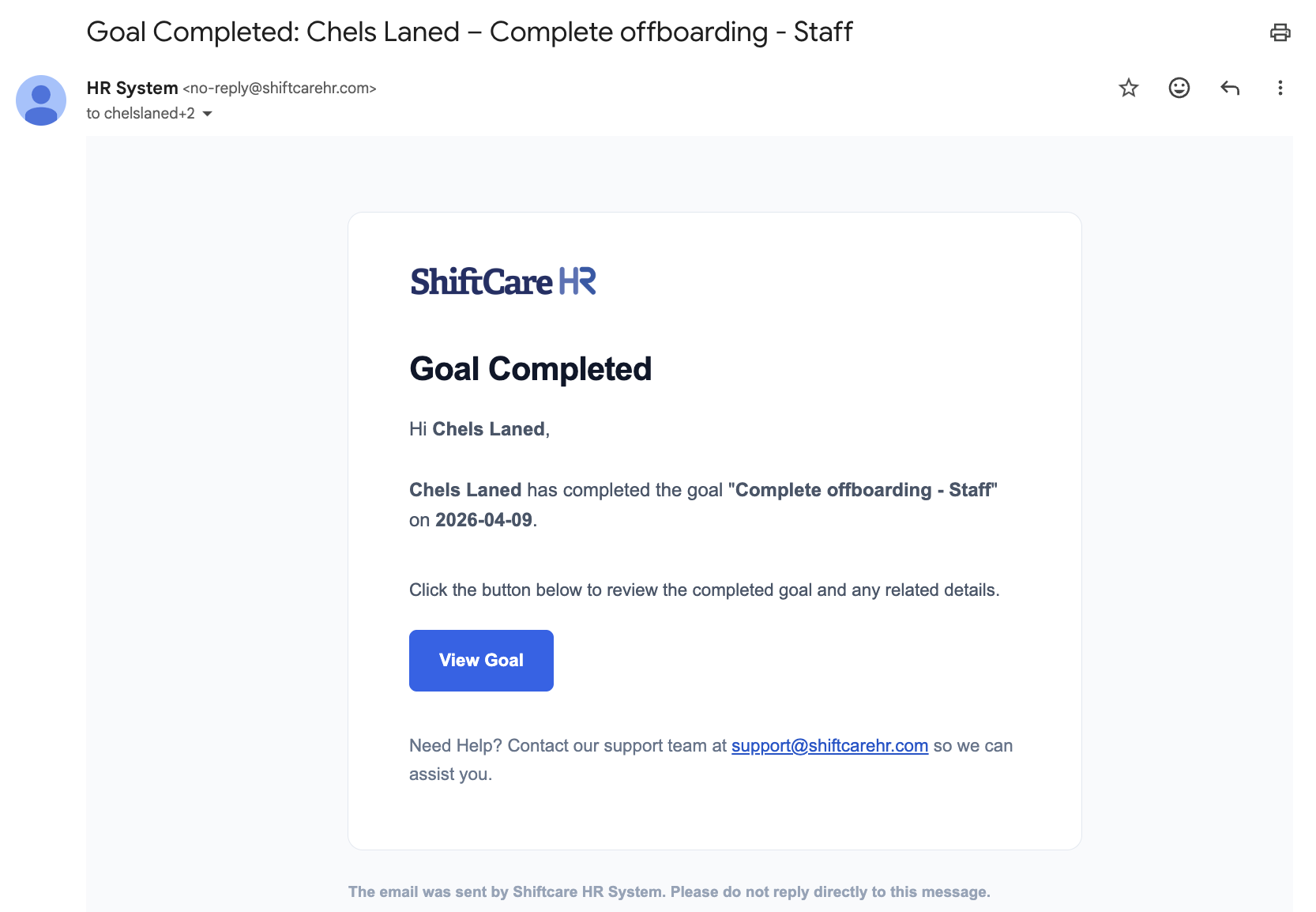
Completed Goal
Sent when a goal is marked as completed, notifying the relevant parties of the achievement.
Offboarding
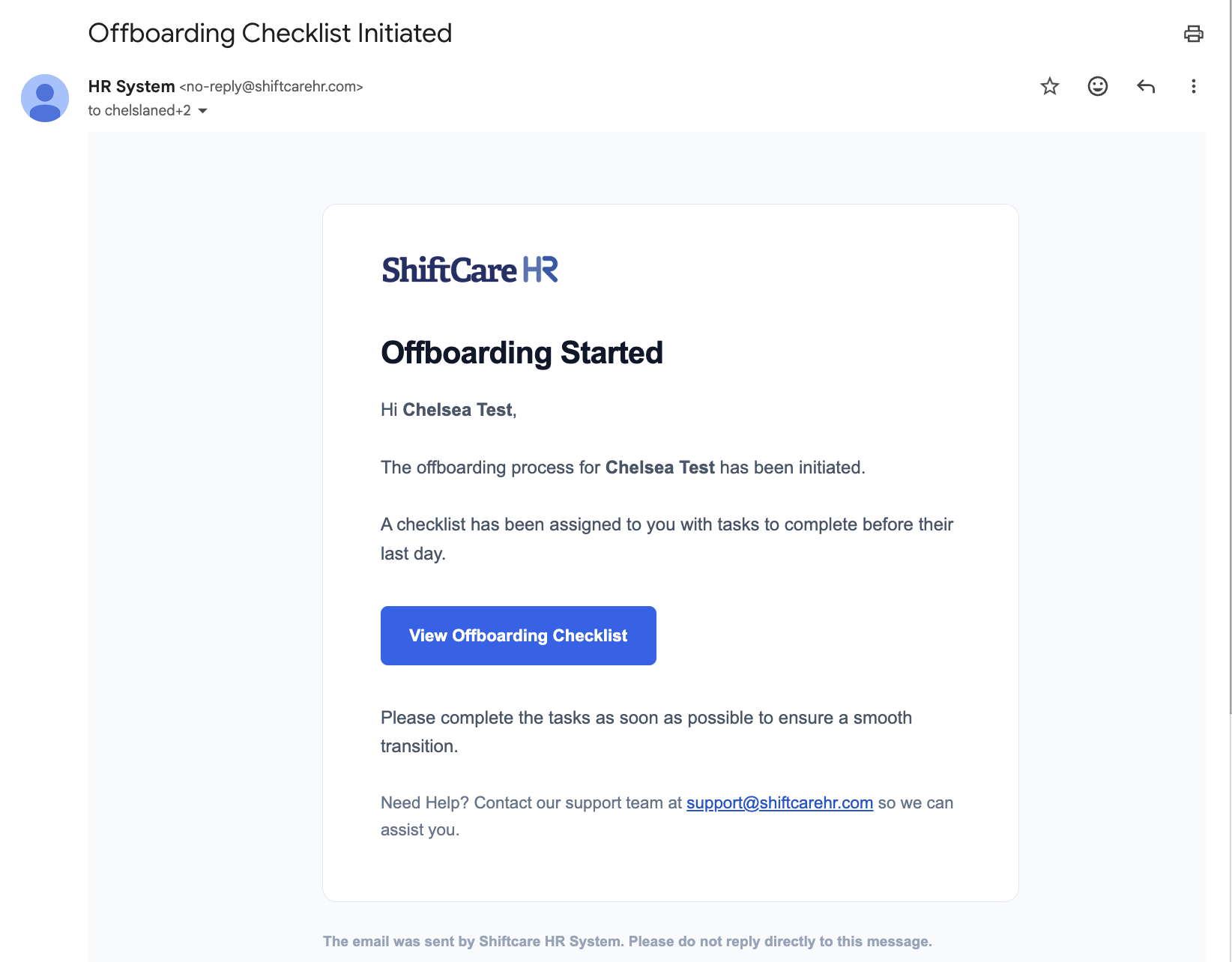
Kick Off Offboarding
Sent to the employee and relevant HR staff when the offboarding process is initiated for a departing employee. This outlines the steps and timeline for their departure.
Offboarding Complete
Sent once all offboarding steps have been completed, confirming that the employee's departure process is finalized.
Termination
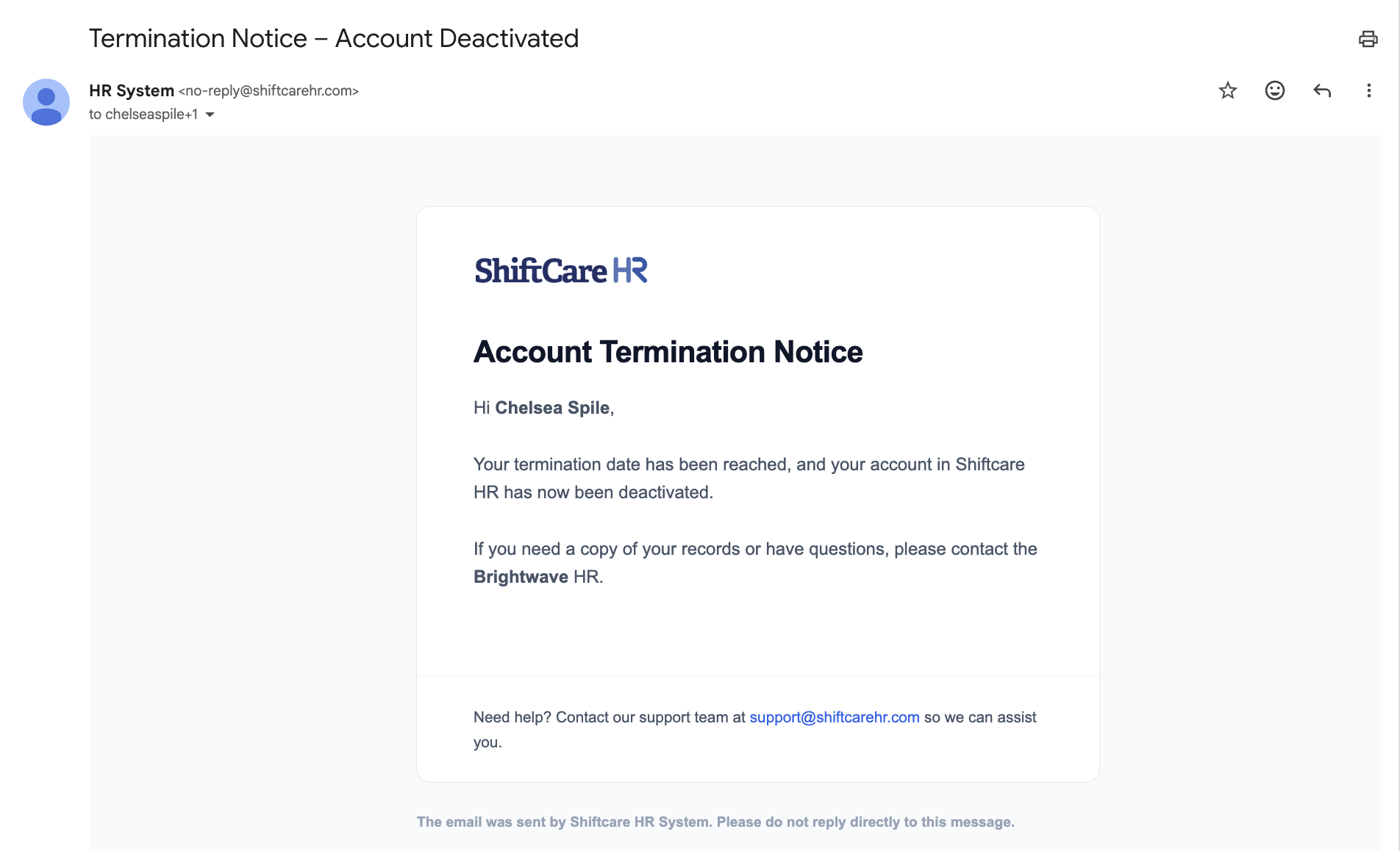
Termination Notice
Sent as part of the employment termination process. This notification is generated when a termination action is executed in the system.
Security and Account
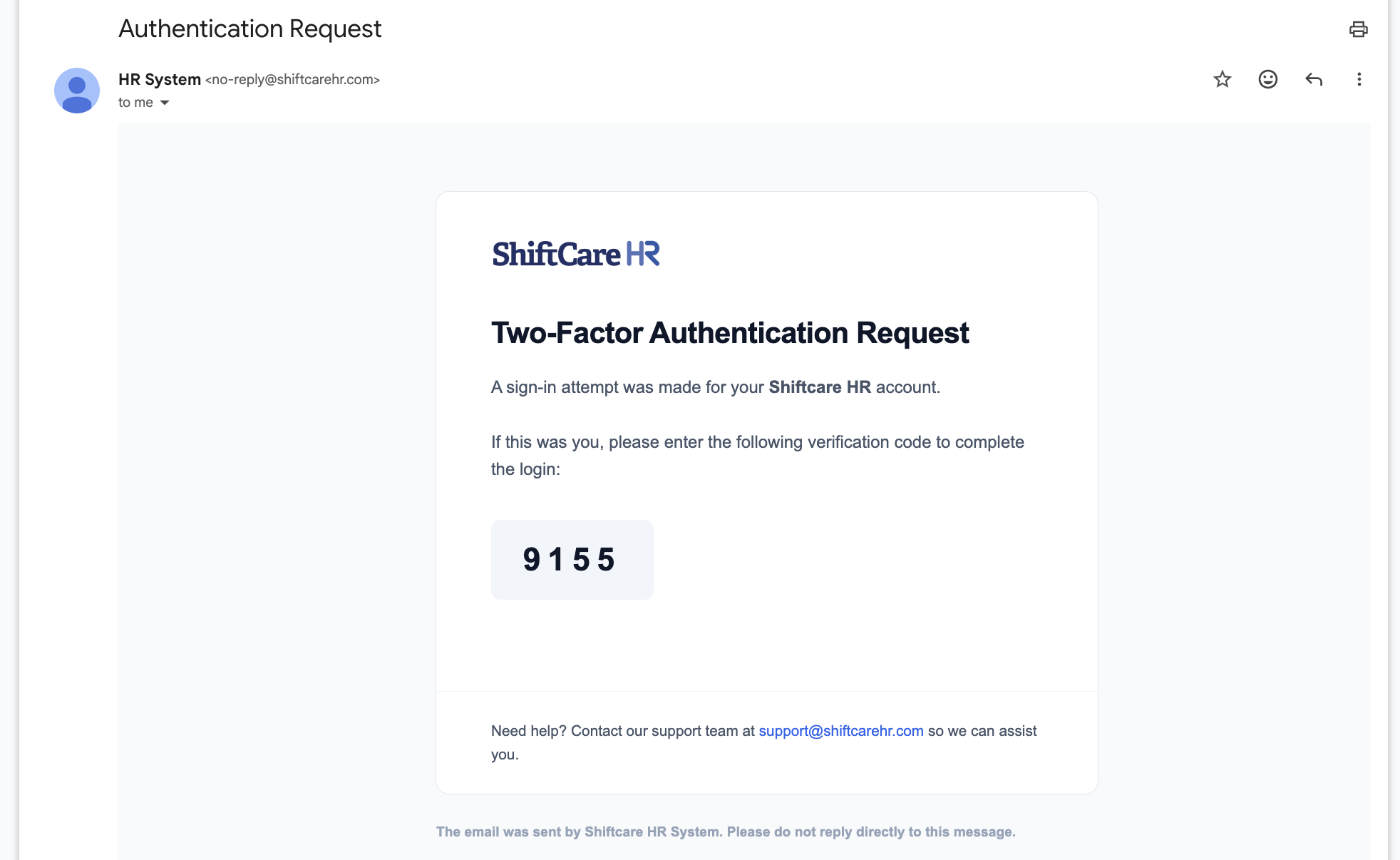
Two-Factor Authentication (2FA)
Sent to the employee when two-factor authentication is enabled or when a 2FA verification code is required during login.
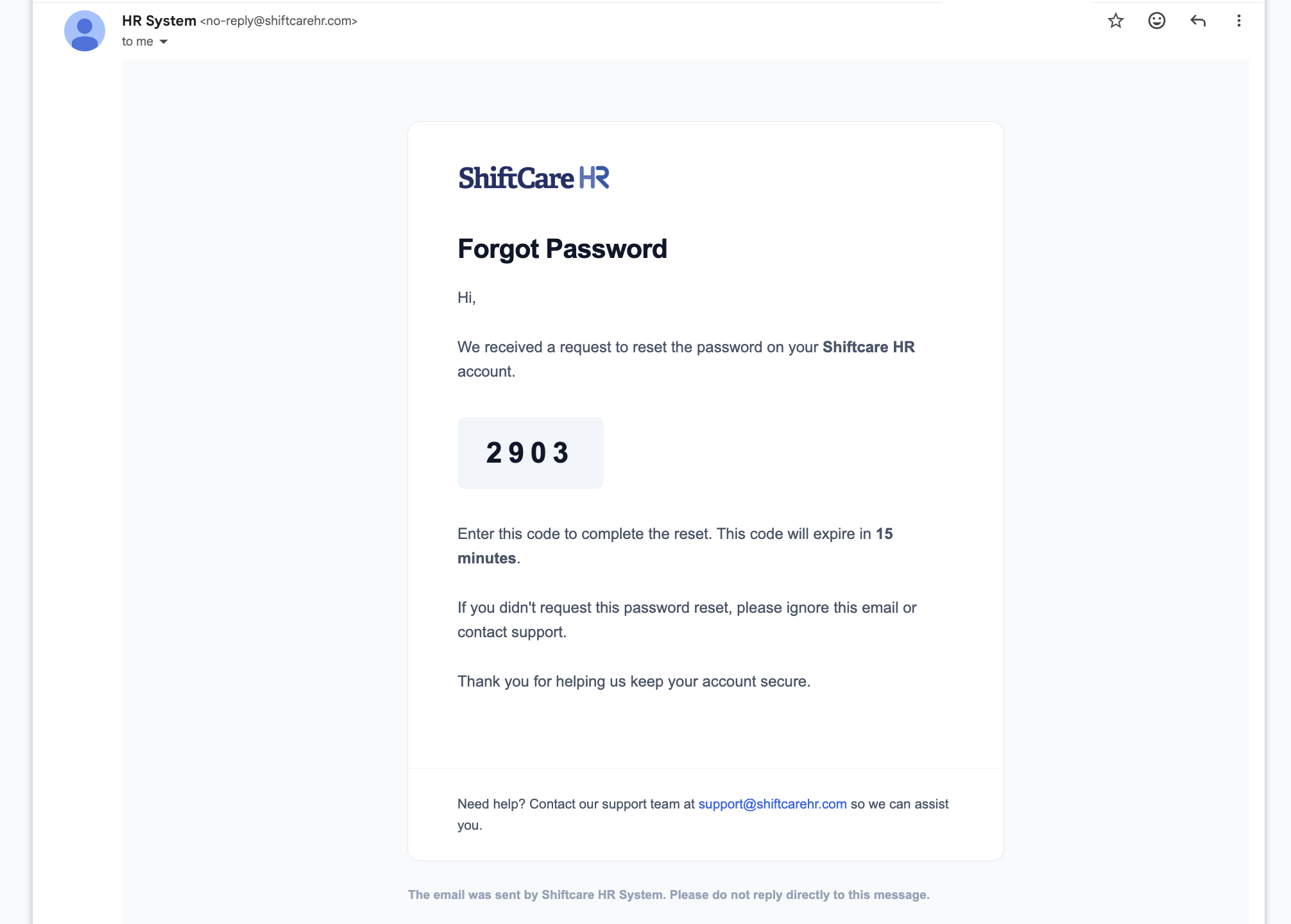
Forgot Password
Sent when an employee requests a password reset. The email contains a secure link to create a new password.
Policy
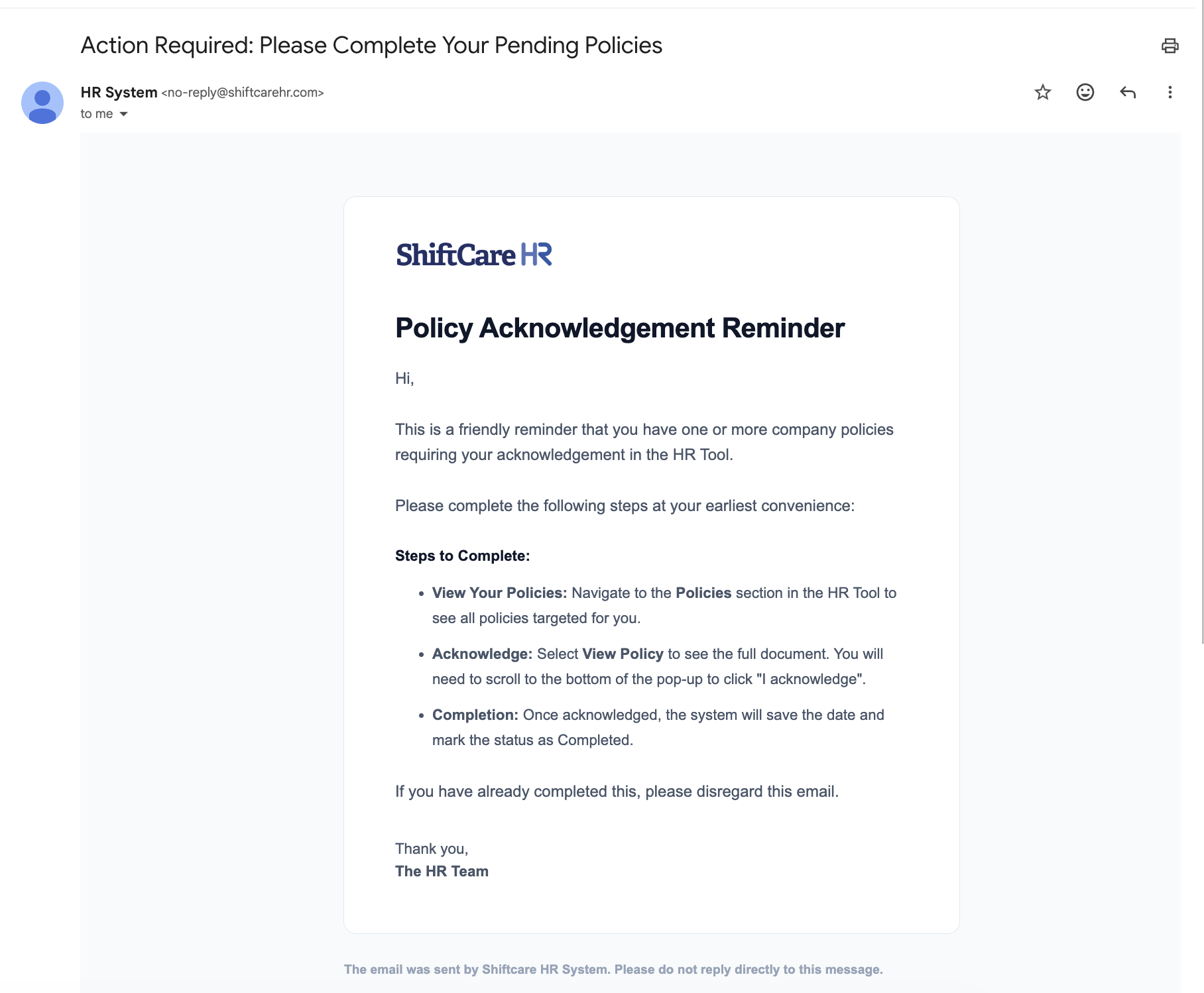
Policy Reminder — Remind to Complete
Sent to employees who have not yet acknowledged or completed a required company policy. HR can trigger reminders from the Policy Management module.
Notification Reference Table
The table below provides a quick reference for all automated email notifications in the system.
| Category | Notification | Subject line | Recipient |
|---|---|---|---|
| Account | Employee Account Created | Your {CompanyName} HR Account Is Ready | New employee |
| Account | Platform Invitation | You're Invited to Join {CompanyName}'s HR Platform | Invited user |
| Company | Company Onboarding Application | New Company Onboarding Request Received - {CompanyName} | ShiftCare |
| Company | New Company Welcome | Welcome to {CompanyName} – Let's Get You Started | New company admin |
| Recruitment | Application Received | New Candidate Application Received | HR |
| Recruitment | Shortlisted | Congratulations You've Been Shortlisted | Candidate |
| Recruitment | Interview Invitation | Invitation to Interview for {JobTitle} | Candidate |
| Recruitment | Candidate Hired | Congratulations – You've Been Hired at {CompanyName} | Candidate |
| Leave | Leave Request | Leave Request Submitted by {HrName} | Approver |
| Leave | Leave Approved | Your Leave Has Been Approved | Employee |
| Leave | Leave Rejected | Leave Request Update | Employee |
| Announcements | Announcement Added | New HR Announcement: {title} | Employees |
| Performance | Target Added | New Goal Assigned: {title} | Employee |
| Performance | Target Completed | Goal Completed: {HrName} – {title} | Employee / Manager |
| Performance | Target Reminder | Target Reminder | Employee |
| Policy | Policy Reminder | Action Required: Please Complete Your Pending Policies | Employee |
| Offboarding | Offboarding Initiated | Offboarding Checklist Initiated | Employee / HR |
| Offboarding | Reminder (1 Week) – HR | Reminder: Offboarding for {FullName} Due in 1 Week | HR |
| Offboarding | Reminder (1 Week) – Employee | Reminder: Complete Your Offboarding Tasks | Employee |
| Offboarding | Reminder (1 Day) – HR | Final Reminder: Offboarding for {FullName} Due Tomorrow | HR |
| Offboarding | Reminder (1 Day) – Employee | Final Reminder: Offboarding Tasks Due Tomorrow | Employee |
| Offboarding | Offboarding Complete | Offboarding Checklist Completed | Employee / HR |
| Termination | Termination Complete | Termination Notice – Account Deactivated | Employee |
| Termination | Account Deactivated | Account Deactivated – {CompanyName} | Employee |
| Security | Two-Factor Authentication | Authentication Request | User |
| Security | Password Reset | HR-System Password Reset | User |
Text in braces is replaced when the email is sent - for example {CompanyName} becomes your company's name.
Each notification type is tied to a specific module. For detailed instructions on the features that trigger these emails, see:
- Recruitment — Application, Shortlisted, Interview, Hired, Onboard
- Leave Management — Submitted, Approved, Rejected
- Announcements — Announcement Notice
- Performance Management — Add Goal, Completed Goal
- Employee Offboarding — Offboarding Start, Complete
- Policy Management — Policy Reminder
- Company Settings — 2FA, Security Settings