Documents (Employee)
The Documents module provides a workspace where you can manage your work-related files. This system allows you to upload, view, share, and organize your documents.
My Document
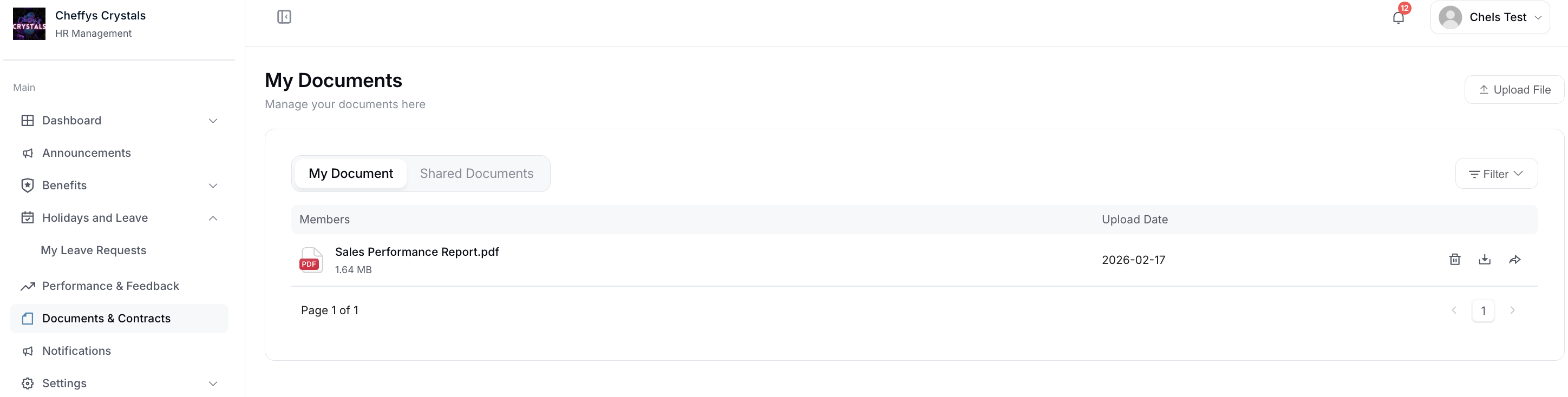
Display uploaded file information.
The My Document section shows your personal document library with information about each file you've uploaded, including:
- File name
- File type
- File size
- Upload date
Shared Documents
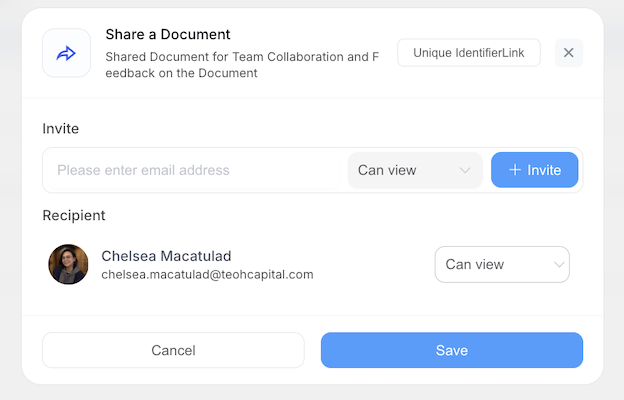
Display the list of files received and shared.
The Shared Documents section shows files that have been shared with you by colleagues or files you have shared with others.
According to the shared file requirements, you can view or click to download files based on the permissions granted.
Upload File
Select the file to upload and upload it.
The Upload File feature allows you to add new documents to your document library:
- Click the upload button
- Select the file from your computer
- Complete the upload process
Delete
Click the document information you want to delete.
The Delete function allows you to remove documents from your library:
- Locate the document you want to delete
- Click on the document information
- Confirm the deletion to remove the file